
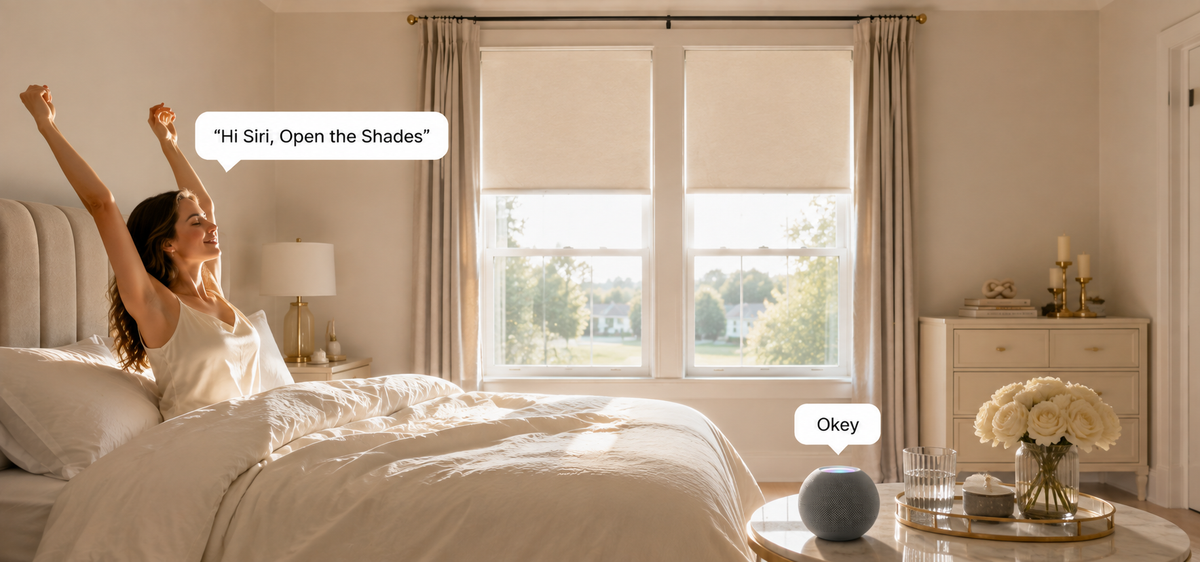

Every shade automation has two parts: a trigger that decides when it fires, and a position the shade moves to. The trigger is what determines whether you keep the routine or switch it off within a month.
A schedule works on any platform and asks nothing of you. Sun position, sensors, and presence produce better results on windows where conditions change day to day, at the cost of more setup and sometimes extra hardware.
Each trigger below is suited to a different kind of window, followed by the conditions that keep automations from becoming a nuisance and the seasonal settings most homes never adjust.

When is a simple schedule enough?
When the requirement follows the household rather than the weather.
A fixed time suits shared rooms opening in the morning, a home office set to a working position at the start of the day, or a nursery closing at nap time. Nothing about those windows depends on how bright it is outside.
Pair schedules with favorite positions rather than full open and full close, since most rooms need a partial position more often than either extreme.
The limitation is drift. A hour that feels right in October is far too early in June, which is why bedrooms and sun-facing rooms usually belong on a daylight trigger instead.
SmartWings shades support schedules, timers, and favorite positions through supported platforms, with control methods compared in the motorized shade features guide.

Why do sunrise and sunset triggers work better for privacy?
Because the moment a room becomes visible from outside tracks daylight, not the clock.
Sunset with a short offset closes shades before interior lighting turns the window into a lit display. Ground-floor and street-facing windows justify closing fully, while upper floors can close later or only partway.
Sunrise with an offset suits bedrooms. The offset is what makes it liveable through summer, delaying the open by a set period rather than firing at first light.
Platforms calculate both from your location, so no additional hardware is involved. Google Home and Homey both handle these triggers directly.
What does a sun position trigger do that a schedule cannot?
It responds to where the sun actually is relative to that window, so a south-facing room and a west-facing room behave differently on the same afternoon.
The automation fires on the sun's elevation and direction rather than on a set hour, which matters most on windows where the difficult period shifts across the year.
Partial positions carry this trigger. Lowering a shade part of the way blocks the direct beam while keeping ambient daylight, and that requires a motor that stops at any position rather than only fully open or closed.
Sun position automations are normally built on platforms with deeper automation logic, such as Home Assistant or Hubitat. Local setup is covered in the Home Assistant local control guide.

When are sensor triggers worth the extra hardware?
On rooms where comfort varies day to day rather than following a predictable pattern.
A temperature trigger lowers the shade once a room warms past a threshold and raises it as the room cools, which handles an overcast afternoon differently from a clear one.
A light sensor applies the same logic to glare, responding to brightness at the window itself.
Sensors are purchased separately and must be compatible with the platform running the automation. Rooms with steady conditions rarely need them.
Insulating fabric reduces how hard these triggers have to work, as covered in the west-facing cellular shade guide. Cellular shades start at $179.
How should shades behave when nobody is home?
Two different jobs run in an empty house, and they are worth separating.
An away pattern varies shade positions through the day so the house does not read as unoccupied from outside. Varied timing does this better than an identical daily schedule.
Arrival and departure triggers set the house to a state as people come and go, which suits households with an irregular routine better than fixed hours.
Heat control keeps running regardless. Shades lowered on sun-facing windows through the afternoon reduce the load on the cooling system before anyone returns, which is the automation that pays off most in a property that sits empty for stretches.

Which triggers can come from other devices?
Anything else on the same platform, once the shades are native devices on it.
Lighting. An evening lighting scene can close street-facing shades in the same action, so privacy and light arrive together.
Climate. Shades can move as part of a heating or cooling change rather than as a separate event.
Media. A room set up for watching something can bring the shades down at the same time.
Security. Arming a system on the way out doubles as the trigger for the away state.
This is the practical case for shades that appear as native devices rather than living in a brand app. SmartWings has no proprietary app, so automations are built where the rest of the home already runs, and platform differences are compared in the smart home platform guide.

What keeps an automation from becoming a nuisance?
Conditions. A trigger says when something happens, a condition says whether it should happen this time.
Weekday only. A morning open firing at the same hour on a Sunday gets switched off quickly.
Only when someone is home. Keeps a bedroom shade from opening in an empty house and keeps the away pattern from running while people are in the room.
Only when the room is not in use. Checking whether a light is on avoids opening a shade on someone still asleep.
Skip when adjusted by hand. If the shade has already been moved deliberately, letting the schedule resume at the next trigger is better than overriding the choice.
Keeping a remote available for atypical days belongs to the same principle, with options compared in the remote control guide.
How should routines change through the year?
The same window needs opposite behaviour in summer and winter, and this is the adjustment most homes never make.
Summer. Keep direct sun out of sun-facing rooms through the hottest hours, and use the cooler part of the day for daylight and view.
Winter. Reverse it on those same windows. Daylight through the day adds warmth, and closing at dusk keeps it from leaving through the glass.
Spring and autumn. The shoulder seasons usually need less intervention, which is a good moment to reduce how many automations are running rather than adding more.
Holidays and long absences. The away pattern replaces the daily set, and the afternoon heat routine continues underneath it.
Two seasonal versions of the same automation, switched twice a year, capture most of this without building anything complicated.
What can each platform actually do?
|
Platform |
Schedules |
Sunrise and sunset |
Sun position and sensors |
|
Apple Home |
Yes |
Yes |
Limited, sensor dependent |
|
Amazon Alexa |
Yes |
Yes |
Limited, sensor dependent |
|
Google Home |
Yes |
Yes |
Limited, sensor dependent |
|
Home Assistant |
Yes |
Yes |
Yes |
|
Hubitat |
Yes |
Yes |
Yes |
|
Homey |
Yes |
Yes |
Yes, with compatible sensors |
Matter setups require a Thread Border Router such as a HomePod mini or Apple TV. Connection type also affects behaviour once several shades run on one automation, and the differences are set out in the Matter over Ethernet versus Matter over Thread comparison, with background in the plain-English Matter guide.
Independent coverage of the hardware is available from 9to5Mac on the PoE Matter over Ethernet line, MakeUseOf on the Matter shade, and Matter Alpha in its hands-on review, with more on the reviews page.
FAQ About Smart Shade Routines
Q1: How many automations should one home have?
Fewer than most people build. Two or three well-chosen triggers cover the majority of daily use, and overlapping schedules on the same window are the most common reason automation gets abandoned.
Q2: Do sun position automations need extra equipment?
Not for the sun itself, since platforms calculate its position from your location. Temperature and light triggers do need sensors, purchased separately and compatible with the platform running the automation.
Q3: Can different rooms run on different triggers?
Yes, and they should. A north-facing bedroom on a sunrise trigger and a west-facing living room on sun position is a more useful setup than one schedule applied across the house.
Q4: What happens if someone moves the shade by hand?
It stays where it was put until the next trigger, then resumes the schedule. In rooms where that happens often, a condition that skips the automation after a manual adjustment is the cleaner fix.
Q5: Is automation worth setting up on a single window?
Yes, when that window is the problem. A sun-facing window in a room used daily justifies it on its own, and adding other rooms later requires no change to what is already running. Reliability considerations are covered in the smart motorized blinds reliability guide.


