
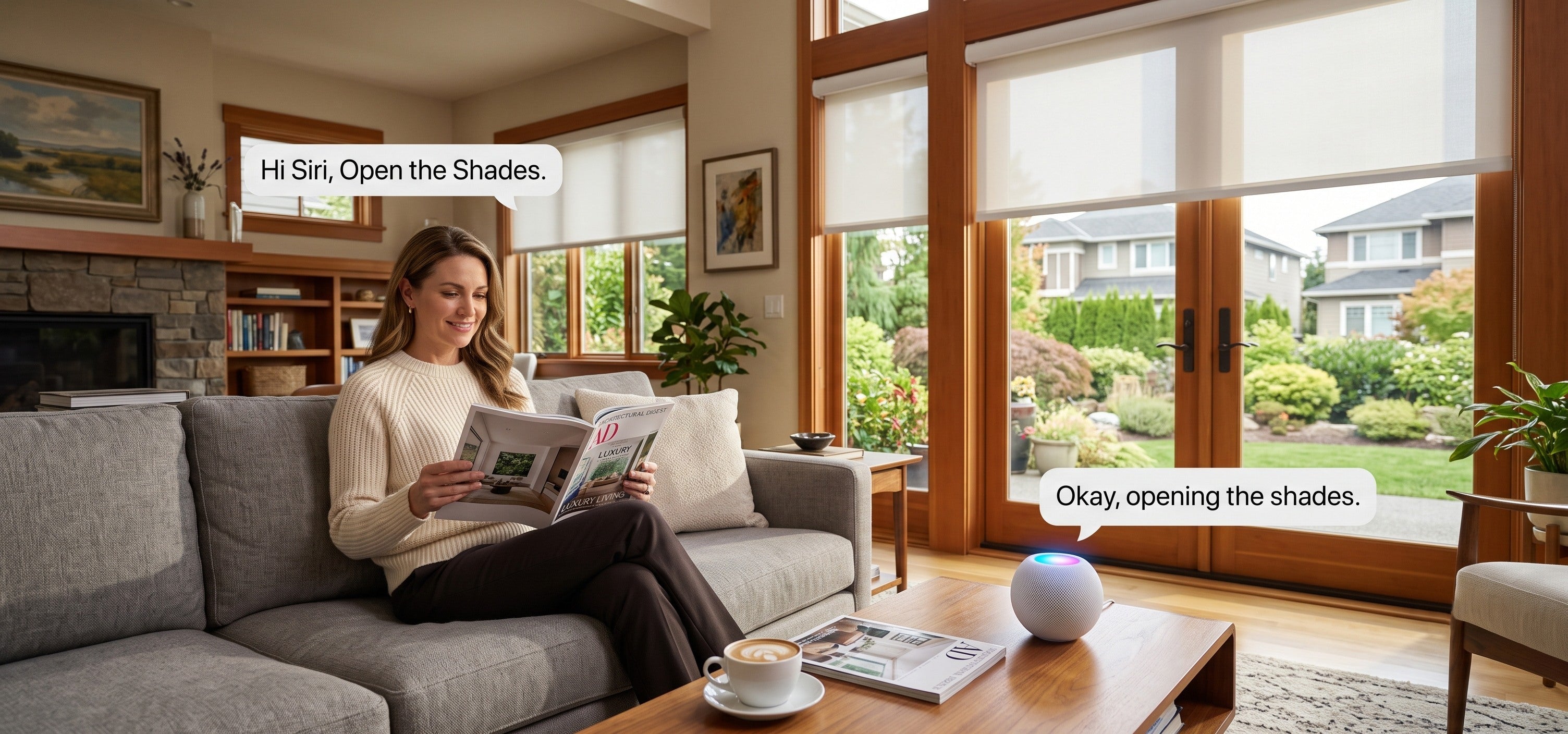

You've just moved into a new place, you're ready to put smart shades on the windows, and then the choices pile up fast: roller, cellular, or zebra; light-filtering or blackout; battery or hardwired; Matter, Thread, and a list of platforms. For anyone buying smart shades for the first time, the jargon alone is enough to stall the whole project.
The good news is you don't need to learn all of it at once. The logic behind choosing smart shades is fairly simple once you sort out a few key decisions. SmartWings makes motorized, cordless, made-to-measure shades that are an easy place for a first-timer to start.
This guide walks you through what smart shades actually do, how to choose, and how to roll them out one room at a time.

What Smart Shades Do for a New Home
Before looking at specific products, it helps to know how a smart shade differs from an ordinary one. The value isn't just "opening a shade from your phone." It's taking something you do every single day and making it effortless.
They open and close on their own: Set a schedule so they rise in the morning for daylight and lower in the evening for privacy, with nothing to do by hand.
You control them however suits you: Voice, remote, and scheduling are all options, and you can adjust them from anywhere or with your hands full.
Cordless is safer: With no hanging cord, motorized shades are safer around children and pets, and the window looks tidier.
They follow your day: The shades keep light and privacy where you want them as the day goes on, instead of waiting on you.
For a new home, those add up to comfort and convenience you feel every day.

How to Choose: Start With Three Questions
Faced with a spec sheet, it's easy to freeze. Break the decision into three questions and it gets much clearer.
First, what do you want the light to do in each room?
This is the most important question, and it points you to the right fabric. Match the fabric to how each room is used:
Living rooms, dining rooms, studies: Active daytime spaces that want daylight and privacy at once, which suits light-filtering fabrics.
Bedrooms, nurseries, media rooms: Spaces that want darkness, which suits blackout fabrics.
Rooms where you shift between the two: If you want to move freely between light and privacy, zebra shades are worth a look.
Settle the light first, then pick color and style within that type.
Second, how should they be powered?
Power decides how easy the shades are to install and live with:
Battery: The simplest choice for most first-timers and everyday rooms. No wiring, easy to put up yourself, and a full charge lasts about 4 to 6 months depending on use.
Hardwired: Best for large or high windows, or if you're mid-renovation and can run cable. It gives continuous power with no recharging.
Third, do you want smart control?
If you want scheduling, voice, or remote control, choose a shade with a smart motor. SmartWings shades are compatible with Apple Home, Alexa, Google Home, and SmartThings.
One thing worth knowing upfront: connecting through Matter over Thread needs a Thread Border Router, such as a HomePod mini or Apple TV 4K. Many homes already have a device that does the job.
Answer those three and you've already narrowed down the shade type, fabric, and controls that fit you.

Start With One Room, Not the Whole House
A lot of new homeowners assume smart shades have to go in everywhere at once. They don't. The easier path is to start with the room that needs them most.
Take the primary bedroom as a starting point, where a blackout shade solves a real sleep problem. Live with it for a while and get comfortable with scheduling and voice control. Then extend to the living room, study, and beyond.
This way you spread out the cost and learn your own preferences along the way, instead of ordering for the whole house and finding out later that something wasn't the right pick.
Because SmartWings shades are made to each window's measurements, every room can be ordered and installed on its own. To plan a single space first, start with the living room or bedroom options.

Common First-Timer Worries
A first smart shade purchase always comes with a few questions. Here are the ones that come up most.
Can I install them myself? Yes. SmartWings shades are cordless, and installing them means fixing the brackets inside or above the window frame and snapping the shade in. It's a few steps, usually one person with a drill, and no electrician.
Do I need to buy a hub? If you only use the remote, no. To connect to a smart home platform for voice and remote control, you need a Thread Border Router, and devices like a HomePod mini or Apple TV 4K already fill that role.
How do I measure? Measure the width and height of the window opening. SmartWings cuts to ⅛-inch precision, and the site's measuring guide makes it hard to get wrong.
Are they easy to maintain? Day to day, dust with a dry cloth or a vacuum's soft brush. Care varies a little by fabric, but it's low-effort overall.
Sort those out and most of the hesitation about getting started goes away.

Good SmartWings Options to Start With
If you're not sure which shade to begin with, here are a few safe choices by room:
Roller shades: Clean-looking and versatile in color, in both light-filtering and blackout, and at home in almost any room. The safest starting point for a first-timer.
Cellular shades: The honeycomb structure adds insulation, which suits rooms that run hot in summer or cold in winter.
Zebra shades: The two striped layers let you fine-tune light and privacy, good for living rooms and studies where you adjust the light often.
Start with one room and one product, get comfortable, then expand. It's the approach least likely to go wrong.
Choosing Your SmartWings Smart Shades
For a first-timer, hold on to one simple thread: decide what the light should do in each room, then how it's powered, then whether you want smart control, and start with a single room before growing from there.
SmartWings smart shades are all made to your window's measurements, with fabric, color, and motor configurable to your needs, at accessible prices that keep the barrier to entry low.
If you're unsure how a fabric will look, order swatches to check against your room first. For a broader look at matching shades to windows, the best smart blinds for windows guide is a useful next read.
FAQ About Smart Shades for New Homeowners
Q1: Are smart shades worth it for a first-time buyer?
If you value everyday convenience and comfort, they usually are. Smart shades open and close on their own, take voice and remote control, and the cordless design is safer and tidier.
You can also start with one room, such as a set of roller shades, to see how you like them before committing further.
Q2: Which room should I do first?
Start with the room where the need is clearest, such as a primary bedroom where a blackout shade improves sleep.
Once you're comfortable with it, extend to the living room, study, and other spaces. This spreads out the cost and lowers the risk of a wrong choice.
Q3: Do smart shades require a hub?
Not always. You don't need one if you only use the remote. To connect to Apple Home, Alexa, or Google Home for voice and remote control, you need a Thread Border Router, and devices like a HomePod mini or Apple TV 4K can serve as one.
Q4: Can I install them myself?
Yes. SmartWings shades are cordless, and installation is just fixing the brackets and snapping the shade in. It's a few steps, usually one person with a drill, and no electrician needed.
Q5: If I add other rooms later, will they match what I have now?
Yes. SmartWings shades are made and installed per room, so you can add more shades for other rooms whenever you like and grow into a whole-home setup, rather than doing everything at once.
Q6: How often do battery shades need charging?
A full charge lasts about 4 to 6 months depending on how often you use them and how many times they move each day. You recharge with a cable, and pairing a solar panel to use daylight can cut how often you charge by hand.


