

For people with limited vision, window blinds are more than decoration — they're connected to daily privacy, light awareness, and personal routine.
In the morning, sensing whether daylight is coming through the shades helps gauge the time. At night, knowing the blinds are fully closed provides peace of mind about privacy.
But traditional pull cords are hard to locate, shade positions are hard to judge, and phone screen controls aren't always accessible for visually impaired users.
SmartWings smart motorized blinds use voice control, physical remote controls, and automation to make shade operation less dependent on sight — offering a more accessible experience for visually impaired users.

The Everyday Challenges Visually Impaired Users Face with Window Blinds
Before looking at solutions, it helps to understand the specific difficulties visually impaired users encounter when using window blinds day to day.
Pull cords and chains are hard to locate.
Traditional blinds use pull cords or chains that aren't in a fixed, easy-to-find position. For users with limited vision, this seemingly simple step can require repeated searching — especially in an unfamiliar room or a new home.
Shade position is hard to judge.
Is the shade fully open, half open, or closed? Someone with normal sight can tell at a glance, but a visually impaired user may need to walk to the window, touch the shade, or gauge the light level to figure it out.
At night, this is especially inconvenient — without being able to confirm the shade is fully closed, there's less certainty about privacy.
Screen-based controls aren't user-friendly.
Many smart devices rely on phone screen interfaces, but finding the right control buttons on a screen is difficult for users with limited vision. Even with screen reader assistance, the process tends to be cumbersome.
Frequent need to ask others for help.
These difficulties add up, and many visually impaired users end up relying on family members or caregivers for shade adjustments. While this isn't a major issue in isolation, being able to handle more things independently contributes meaningfully to comfort and autonomy over time.
Which Features Help Visually Impaired Users Most
With those challenges in mind, smart motorized blinds offer several features that are particularly practical for visually impaired users.
Voice control: the most direct solution
No need to find a cord, no need to look at a screen — just speak.
"Alexa, close the bedroom blinds." "Hey Google, open the living room shades to 50%."
Voice control turns shade operation into the most natural form of interaction. For visually impaired users, this is likely the single most valuable feature of smart blinds.
SmartWings smart blinds are compatible with Apple Home (requires a HomePod mini or Apple TV 4K as a Thread Border Router), Alexa, and Google Home — covering the major voice assistants and smart speakers.
For Alexa setup details, see our Alexa Voice Control Guide.

Physical remote: a tactile alternative
SmartWings blinds come with a physical remote control featuring clearly distinct buttons — up, down, stop — that can be identified by touch without needing to see the screen.
Keeping the remote in a fixed spot (like a nightstand or next to the sofa) builds muscle memory over time, making the operation increasingly smooth. For users who aren't comfortable with voice assistants, the remote is a reliable backup.
Automation: reducing the need to actively operate
Automation is the most "hands-off" feature for visually impaired users — once set up, the blinds run on a predetermined schedule without requiring any daily action.
With Schedule settings, blinds can open automatically at sunrise, letting the change in light serve as a natural wake-up cue. After sunset, they close automatically, so privacy protection doesn't depend on remembering to do it manually.
SmartWings' Favorite Positions feature is also useful here — save a commonly used position (like "half open") and call it up with a single voice command, without having to describe a specific open/close level each time.
For Apple Home automation setup, see our Apple Home Smart Shades Setup Guide.
SmartWings Product Recommendations
Based on the usage scenarios most relevant to visually impaired users, here are the SmartWings products worth considering:
Bedroom: Blackout Roller Shades (from $159.99)
The bedroom is the most important window blind scenario for visually impaired users — morning light changes help with time awareness, and full light blocking at night protects privacy.
SmartWings blackout roller shades paired with sunrise/sunset automation let bedroom lighting follow a natural rhythm automatically. No manual operation needed — the light change itself becomes part of the daily routine.

Living Room: Light Filtering Roller Shades or Zebra Shades (from $189.99)
Living rooms typically need a balance between privacy and natural light. Light filtering roller shades let soft light in while blocking outside views.
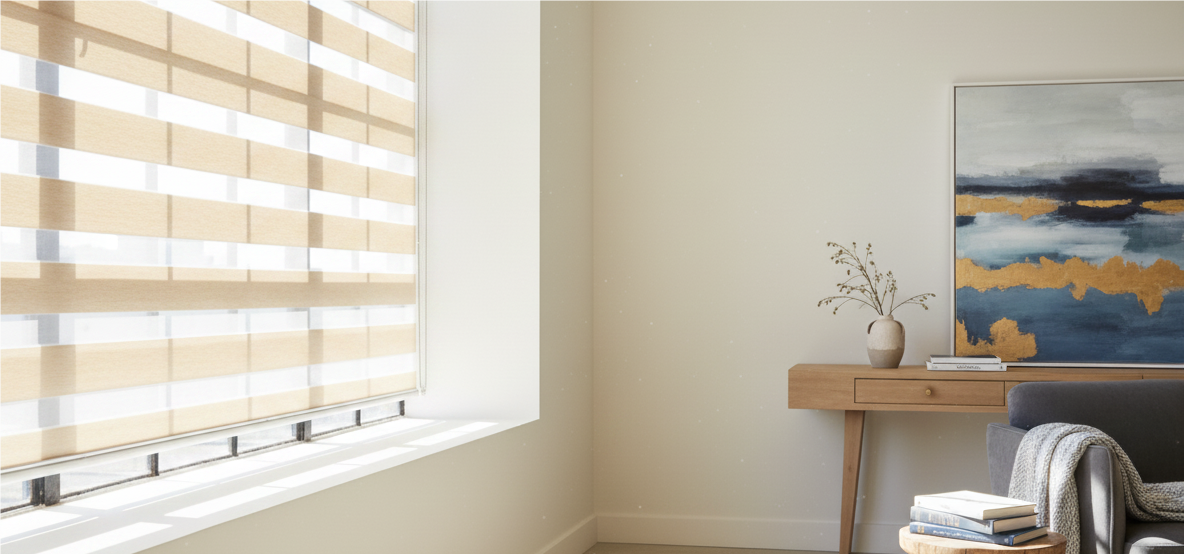
Zebra shades offer light adjustment through shifting fabric bands — without raising or lowering the shade — which can be switched with a simple voice command.
Rooms That Need Insulation: Cellular Shades (from $179)
For rooms with west- or south-facing windows that tend to overheat in summer, cellular shades' honeycomb structure helps with insulation. For visually impaired users, automation settings let the cellular shades close when they're needed most, without relying on body feel to judge when it's time to act.

Setup Tips: Getting Help with First-Time Configuration
SmartWings smart blinds rely on voice and automation for daily use, but initial installation and configuration involves mounting the shade, pairing with a smart home platform, and setting up automation rules. It's recommended to have a sighted family member or friend assist with this stage.
First-time setup:
Install the shade and secure it to the window frame
Pair the shade with a smart home platform (Apple Home / Alexa / Google Home)
Set up sunrise/sunset automation and Favorite Positions
Place the remote in a fixed, easy-to-find location for the visually impaired user
Daily use:
Once the configuration is complete, daily operation basically doesn't require visual assistance — voice control and automation cover the main usage scenarios, with the remote as a backup.
For Google Home setup, see our Google Home Smart Blinds: 5 Key Factors.
For a broader smart blinds buying guide, see our 2026 Smart Blinds Practical Buying Guide.

FAQ About SmartWings Innovative Window Coverings
Q1: Do visually impaired users need a phone to operate SmartWings blinds?
Not for daily use. SmartWings blinds support voice control (Alexa / Apple Home / Google Home) and come with a physical remote — everyday operation can basically be done without a phone screen. The phone is mainly needed during first-time setup.
Q2: Is the remote easy to use?
SmartWings remotes have clearly distinct physical buttons — up, down, stop — that can be identified by touch. Keeping the remote in a fixed spot helps build familiarity, making operation smoother over time.
Q3: After setting up automation, do I still need to adjust manually?
In most situations, no. Sunrise/sunset automation and Favorite Positions cover the main daily scenarios. For occasional adjustments, a single voice command is all it takes.
Q4: Which product is best for a visually impaired user's bedroom?
SmartWings blackout roller shades (from $159.99) paired with sunrise/sunset automation are a strong choice — morning light changes help with time awareness, and automatic closing at night takes care of privacy without manual effort.
Q5: Which voice assistants are compatible with SmartWings blinds?
SmartWings supports Matter protocol, compatible with Apple Home (requires HomePod mini or Apple TV 4K as Thread Border Router), Alexa, and Google Home. Also works with Home Assistant and Hubitat.


